
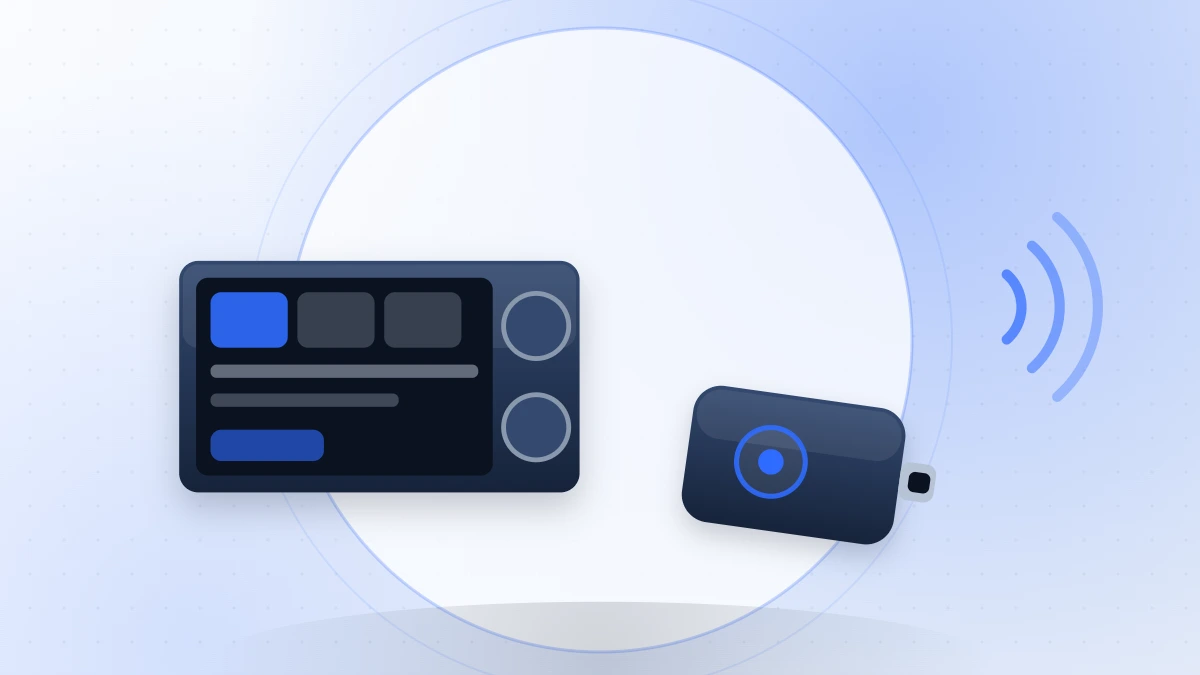
Plenty of cars still on the road support CarPlay or Android Auto only over a cable. Adapters that convert those systems to wireless have become one of the most-bought car accessories, and they are a genuinely useful upgrade with a specific set of trade-offs.
How they work
The adapter plugs into the car’s existing USB port and presents itself to the head unit as a connected phone. It then talks to your actual phone over Wi-Fi, with Bluetooth used for the initial handshake. The head unit believes a cable is attached; the phone stays in your pocket.
Two requirements matter:
- The car must already support wired CarPlay or Android Auto. These adapters add wireless capability, not the platform itself.
- The USB port must be the data port, not a charge-only socket.
What they genuinely improve
- Getting in and driving off without plugging anything in.
- Fewer cable and port failures over time — a worn USB-C port is an expensive repair on a phone.
- A tidier cabin.
For short trips in particular, the convenience is real and immediately noticeable.
The trade-offs that are rarely advertised
Your phone stops charging
This is the most common regret. Wired CarPlay charged the phone as a side effect. Wireless does not, and wireless projection plus navigation plus a Wi-Fi link is a heavy load. On a long drive the battery can end lower than it started.
The fix is to add a separate charger — which means you are still plugging something in, though at least it is a short cable to a mount rather than a specific data cable to a specific port.
Startup delay
Expect several seconds between starting the car and the interface appearing, sometimes considerably more in cold weather or with a phone that has aggressive battery management. Wired connections are close to instant.
Occasional dropouts
The link is Wi-Fi in an environment full of metal and interference. Most adapters are stable most of the time; almost all of them drop occasionally. If your commute depends on uninterrupted navigation, this matters.
Heat
The adapter is a small computer running continuously. Cheap ones get hot, and heat causes the dropouts people blame on the phone.
What to look for
- Explicit confirmation that your car model and year are supported. Compatibility is genuinely patchy.
- A firmware update path. Head unit behaviour changes with car software updates; an adapter without updates ages badly.
- Wi-Fi 5 or better, for enough bandwidth to keep video smooth.
- A sensible physical design. A dongle hanging from a USB port in the console is a nuisance; short pigtails and tuck-away shapes are better.
- A realistic returns policy. Compatibility problems usually appear in the first week.
Who should skip them
If your car already has wireless CarPlay or Android Auto built in, an adapter adds nothing. If you drive long distances daily and rely on the phone charging, a cable remains the better tool. And if your head unit is old and slow over a wire, wireless will not make it faster.
For everyone else — short trips, a modern phone, a car with wired support only — it is one of the more satisfying small upgrades available, provided you plan for charging separately.